Documentation
Grom is a self-hosted workout tracker with an optional ActivityPub federation layer. Record or import workouts, manage equipment, follow other athletes (local or federated), like and comment on their activities, and browse a social feed — all on infrastructure you control.
The server is a single Go binary; the Flutter client ships as an embedded web UI and as an Android app.
Features
- Workouts — create and edit activities with stats, notes, media, and map previews
- GPS tracks — import GPX and FIT; live recording on Android
- Equipment — track bikes, shoes, and other gear linked to workouts
- Social feed — follow users and see their workouts in one timeline
- Workout likes — like others’ activities, see counts and who liked; federated
Like/Undowhen ActivityPub is enabled - Workout comments — comment on own or others’ activities (add/list/delete); federated
Create/DeleteNote when ActivityPub is enabled - Federation — optional ActivityPub so instances can follow each other across the network
- Strava import — bulk-import a Strava data export ZIP
- Health Sync — import activities from Google Drive on Android (Health Sync exports)
- API tokens — scoped personal access tokens (
grom_pat_…) for workouts and equipment - Clients — same Flutter UI in the browser (served by the server) and as an Android APK
- Locales — English, Russian, and German in the Flutter UI
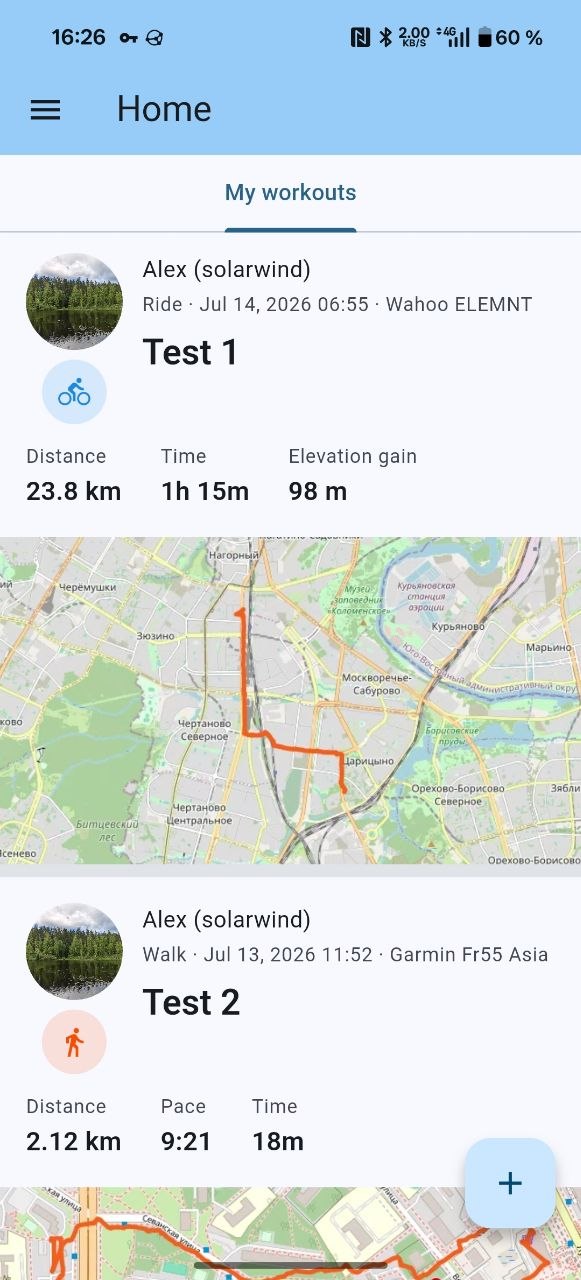
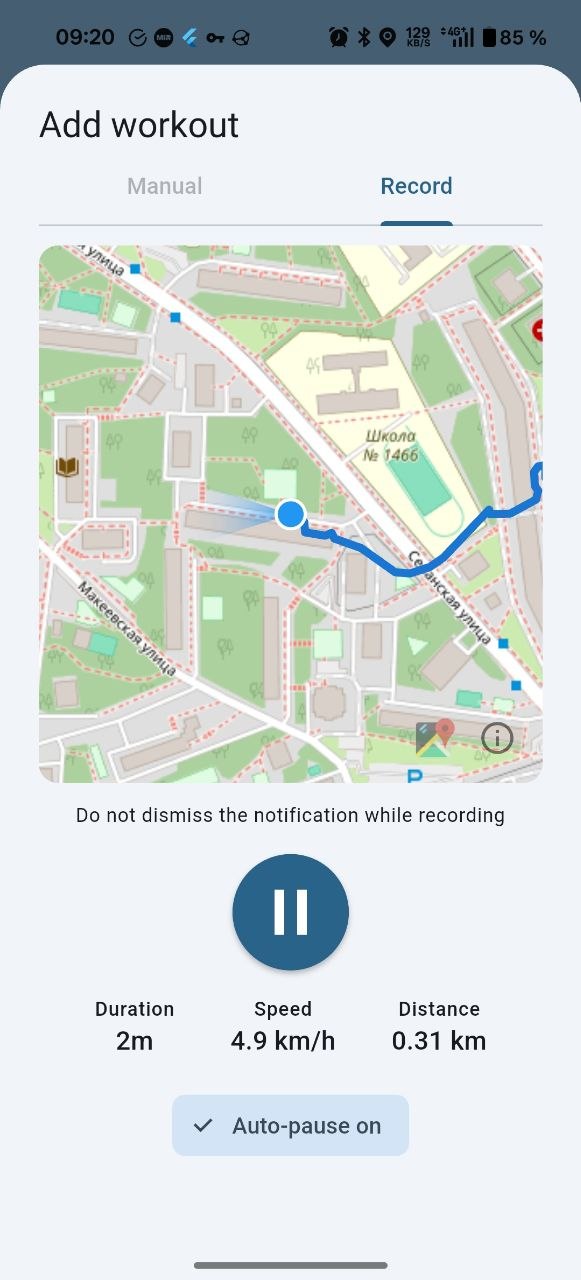
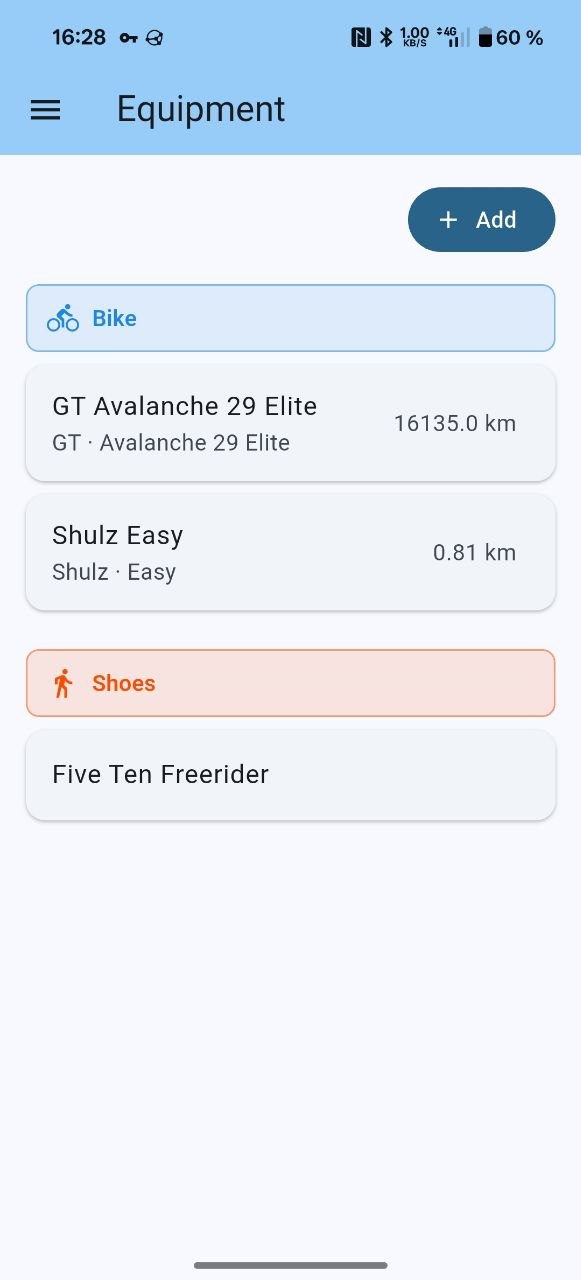
Screen-by-screen tour: User overview. Build and run: Install and run. Source and quick start: repository README.
I want to…
User
| Goal | Page |
|---|---|
| See what the client can do (workouts, likes, comments, recording, equipment) | User overview |
| Reset a forgotten password (when the operator enables email) | User overview — Sign-in and password reset |
| Sign in / register when the instance enables captcha | User overview — Sign-in and password reset |
| Use Grom in a browser (same UI as Android) | Open the server base URL after install; see User overview |
| Import a Strava export (UI + how import works) | Strava bulk import |
| Import Health Sync activities from Google Drive (Android) | Health Sync + Google Drive |
| Create API tokens for scripts and external apps | Grom API tokens |
| Delete my account | Delete your Grom account |
Admin
| Goal | Page |
|---|---|
| Build and run the server | Install and run |
| Configure TLS, storage, federation, logging, mailer / password reset, captcha | Configuration |
Reference
| Topic | Page |
|---|---|
| Strava ZIP column mapping and import behavior | Strava bulk import |
| Health Sync Google Drive import (Android client) | Health Sync + Google Drive |
| Full annotated config | config.full.yaml |
| HTTP API (Swagger UI) | On a running server: /api/docs/ (e.g. http://localhost:8080/api/docs/); OpenAPI sources in api/docs/ |
| Privacy policy | Privacy Policy |